Hairstyle and hair color from a photo
Try on new hairstyles and hair colors online from your photo. The AI picks a haircut and shade from your snapshot and shows a real result where only the hair changes. The first look is free, and each comes with a dye code for your colorist.
Upload your photo
You have 1 free try-on available. Be alone in the photo, in good light, with your face, hair and shoulders fully visible. A waist-up shot works even better.
What the tool does
Upload one photo and try on different hairstyles and hair colors: from blonde and copper to chocolate and black, with different cuts. Each look has a hairstyle name and a dye code.
What photo works
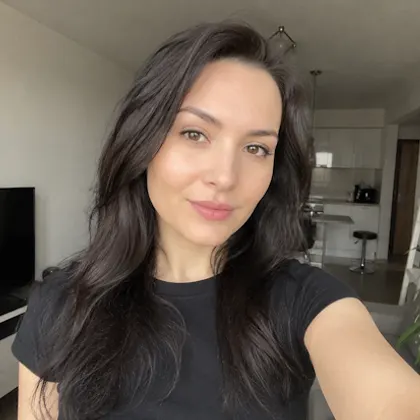 ✓
✓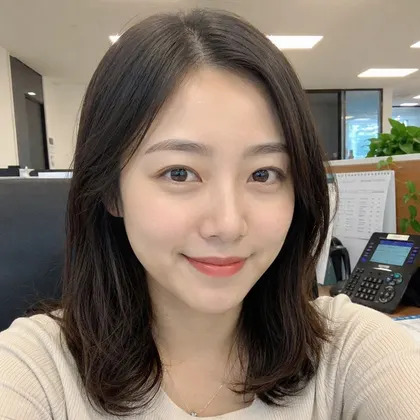 ✓
✓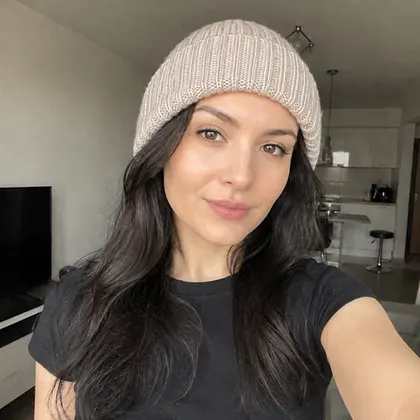 ✕
✕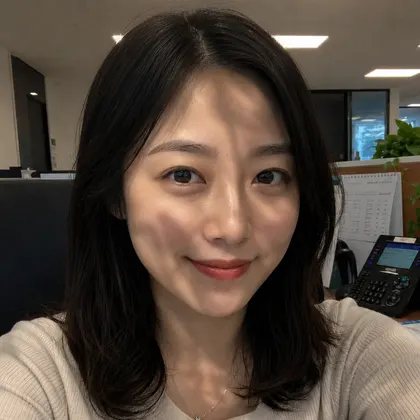 ✕
✕What you get
- 1A hairstyle and hair color picked from your photo
- 2The first look free, no sign-up
- 325 cuts and colors, each with a dye code for your colorist
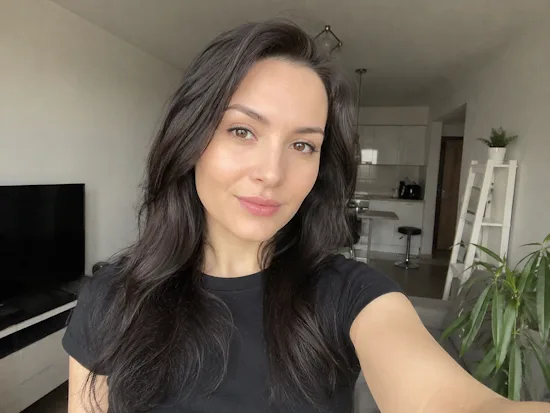
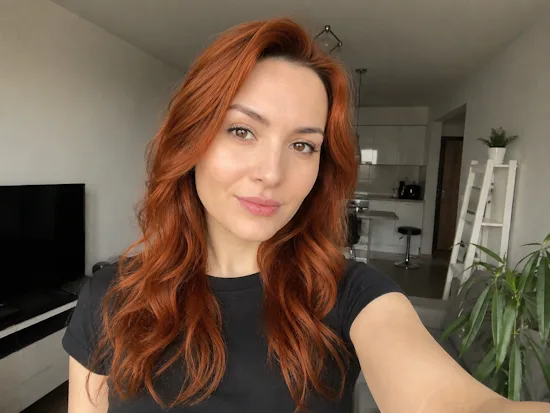
Your photo is analyzed and deleted right away. We keep nothing without your decision.
How to pick a hairstyle and hair color from a photo
To see which hairstyle and hair color suit you, you do not need a salon, just one photo. The AI tries different cuts and shades on your snapshot, from blonde to black, and shows a real result where only the hair changes and your face stays yours.
Each look comes with a universal dye code, for example 8.1, that any colorist in any country understands. So you can not only try a hairstyle online, but also come to your stylist with a ready color and recreate the exact shade you liked.
FAQ
How do I pick a hairstyle from a photo?
Upload a photo and the AI tries different haircuts and hair colors right on your face. Each look keeps your features, only the hair changes.
Can I try on a hairstyle from a photo for free?
Yes. The first look is generated free and with no sign-up. A full set of 25 cuts and colors, each with a dye code, is a one-time purchase.
How do I change my hair color from a photo?
Upload a snapshot and the AI recolors your hair to the chosen shade while keeping your face, pose and background. Each look shows a dye code so your colorist can repeat the color.
What is the dye code under each look?
It is the universal hair color level, for example 8.1 light ash blonde. The number before the dot is the tone level from 1 to 10, the digits after it are the nuance. Any colorist understands it, so you get the exact shade.
Does it work for men?
Yes. The tool picks men's or women's cuts based on your photo, so it works for everyone.
Will the photo still look like me?
Yes. We keep your face, skin, pose and background and change only the hairstyle and color, so every look is you with new hair.
Do you keep my photo?
Your photo is analyzed and not saved unless you save the result or buy the full set. Saved results can be deleted any time and are removed automatically after thirty days.